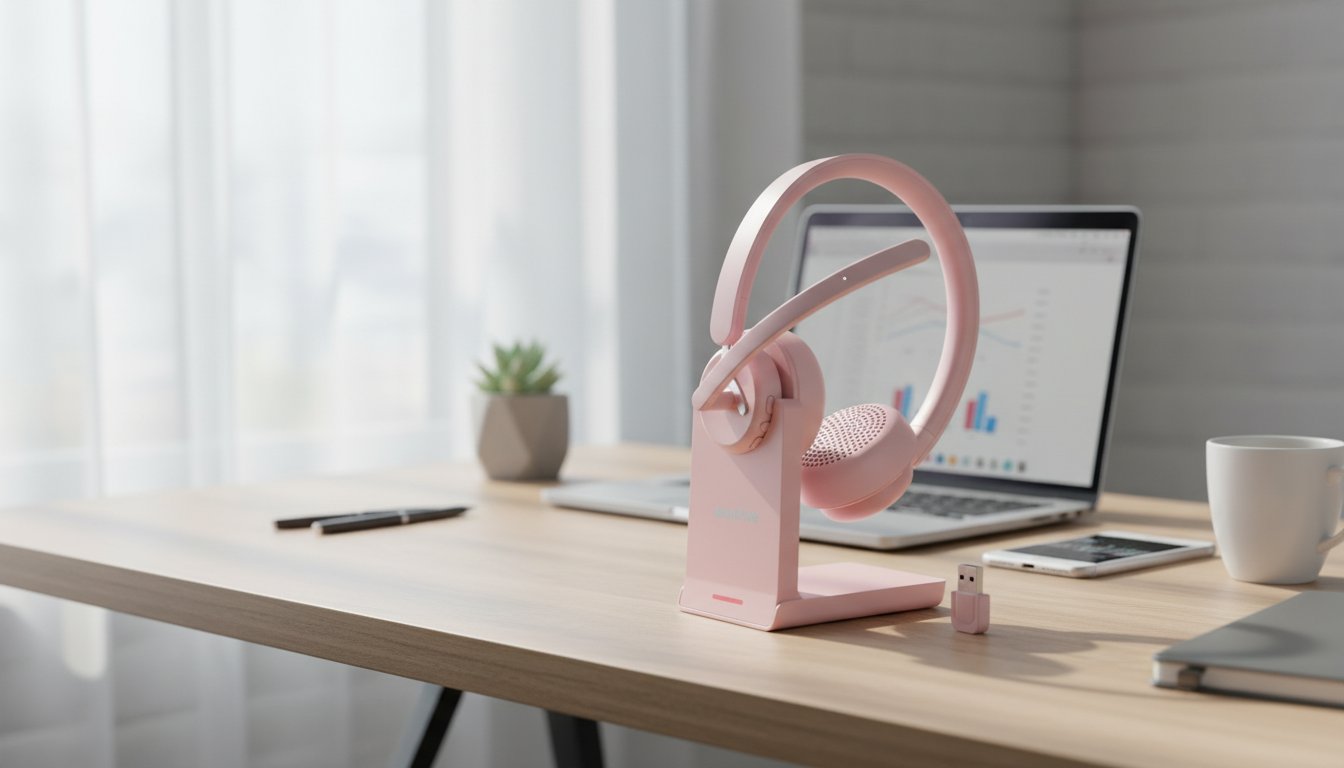
Clear voice quality can make or break a work call—especially when taking meetings from open offices, home environments, or on the move. A wireless Bluetooth headset with a noise-cancelling microphone helps keep speech focused, reduces background distractions for the person on the other end, and makes long call days more comfortable. Below is a practical breakdown of what matters most, how to set it up for reliable performance, and what to expect in day-to-day use. For more guidance, see Wireless headset with good microphone noise cancellation for side ….
Work-call headsets aren’t judged by thumping bass or studio-style sound. They earn their keep through consistency: stable connections, predictable controls, and a microphone that keeps your voice front and center. For further reading, see Best Noise Cancelling Headset with Mic for Working from Home.
It’s common to mix up microphone noise cancelling with headphone noise cancelling, but they solve different problems.
| Feature | Helps who? | Why it matters on calls |
|---|---|---|
| Mic noise reduction | People listening to you | Reduces background sounds and emphasizes speech |
| Boom mic or closer mic placement | People listening to you | Stronger voice pickup with less room echo |
| Sidetone (hearing your own voice) | You | Prevents shouting and improves natural speaking volume |
| Active noise cancelling (ANC) | You | Helps focus in loud spaces but doesn’t guarantee better outgoing audio |
| Echo suppression | Everyone | Prevents feedback loops and “hollow room” effects |
Prioritize microphone noise reduction and a reliable mute control. In busier spaces, being able to hit mute instantly (without hunting for a button) is often more valuable than any “premium” audio tuning.
Prioritize comfort and sidetone. If your room sounds echoey, simple changes like adding curtains or a rug can help your mic sound cleaner with no extra software.
Prioritize wind handling, a secure fit, and fast reconnection after pocketing your phone. In outdoor conditions, even a great mic can struggle if the microphone is too far from your mouth.
Prioritize predictable pairing and stable connection within typical home/office distances. Bluetooth performance varies by device, and some laptops handle switching more smoothly than others. For technical details on Bluetooth standards and behavior, the Bluetooth Core Specification (Bluetooth SIG) is a helpful reference.
Prioritize battery stamina and a charging approach that matches your day—short top-ups between calls can be more practical than waiting for a full charge.
For platform-specific guidance, Microsoft publishes practical notes on audio devices and compatibility in its Microsoft Teams audio and video device requirements.
The Wireless Bluetooth Headset with Mic Noise Cancelling for Work & Calls is built around a straightforward goal: clearer speech and simpler call handling for day-to-day meetings. Wireless Bluetooth convenience makes it easier to move between your desk and other rooms without yanking a cable mid-call.
| Item | Details |
|---|---|
| Product | Wireless Bluetooth Headset with Mic Noise Cancelling for Work & Calls |
| Price | 63.51 USD |
| Availability | In stock |
| Product page | View product |
It can reduce steady sounds (like fans) and soften intermittent noises (like typing), but it won’t erase everything—especially loud voices nearby or very close keyboard clacks. Mic placement and distance matter a lot, so keeping the mic closer to your mouth typically improves the balance.
Yes, many headsets can pair with both, but switching behavior depends on how each device handles Bluetooth. If switching isn’t seamless, disconnect from one device before connecting to the other to avoid routing issues.
Common causes include a weak Bluetooth signal, interference, low battery, stacking multiple noise-suppression effects, or selecting the wrong microphone in the meeting app. Moving closer to the device, charging up, and choosing the headset as the active mic inside the app usually fixes it quickly.





Leave a comment