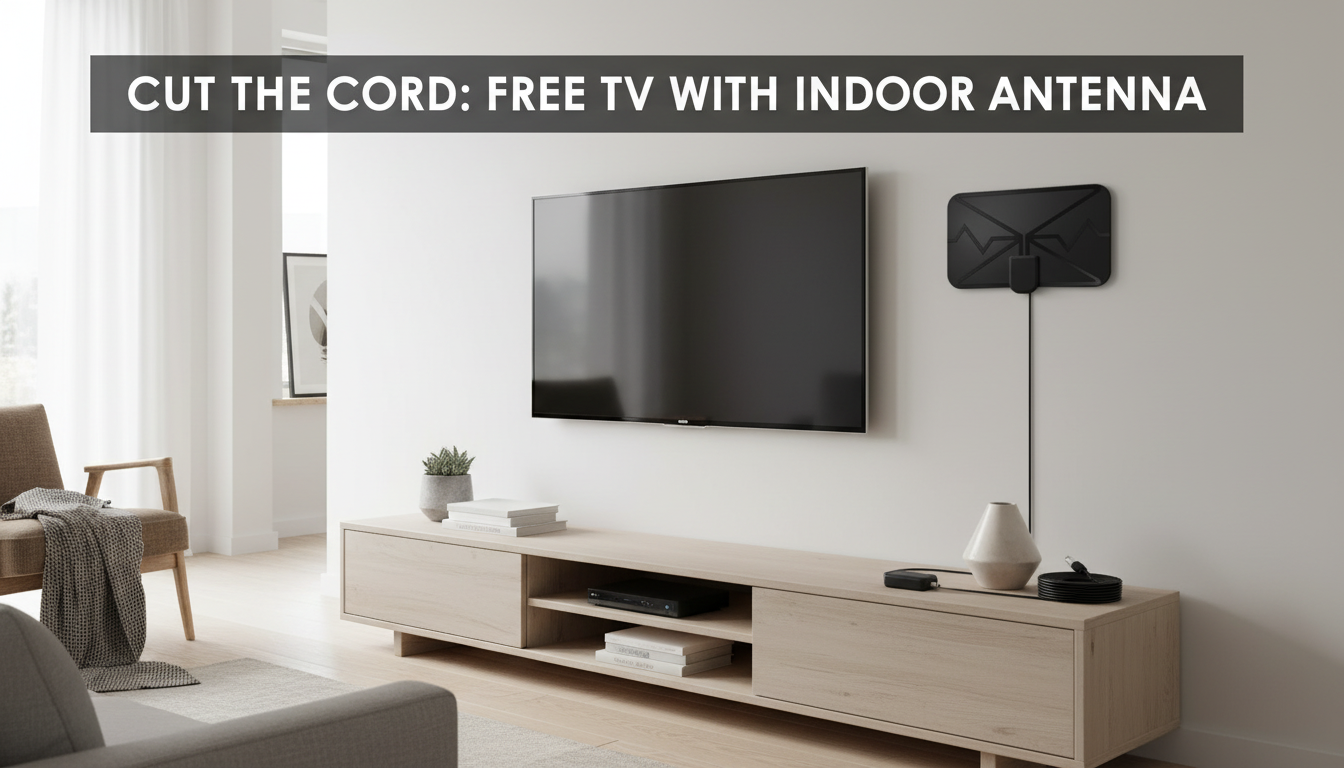
A digital TV is any television that can receive and display a digital signal. A Smart TV is a television with built-in internet features and apps. In other words, “digital” describes how the TV receives broadcast content, while “smart” describes the TV’s connected features and on-screen platform.
A digital TV is designed to handle digital broadcast standards (like over-the-air HDTV). Many modern TVs are “digital” by default because they include a digital tuner (often labeled ATSC in the U.S.) that can pick up free local channels when connected to an antenna. If your TV has that tuner, you can plug in an antenna, scan for channels, and watch without paying for cable.
A Smart TV typically includes Wi-Fi or Ethernet, an operating system (such as Roku TV, Google TV, webOS, or Tizen), and apps for streaming services. Smart features let you watch content through the internet, cast from a phone, use voice assistants, and receive software updates. Most Smart TVs are also digital TVs—meaning they can still use an antenna and a digital tuner for local channels.
Many shoppers already have both in one set: a Smart TV that also has a digital tuner. The more important question is what you plan to watch. If you want free local channels (news, sports, major networks), confirm your TV has an ATSC tuner and pair it with a properly aimed antenna. If you mainly stream movies and shows, Smart TV features matter more—though you can always add a streaming device later.
An antenna doesn’t care whether your TV is “smart.” It only needs a digital tuner to decode over-the-air channels. For step-by-step help with placement, scanning, and troubleshooting, see this guide: long-range digital TV antenna setup for HD/4K.
No. You just need an antenna that matches your local broadcast bands (VHF/UHF) and a TV with a digital tuner. The antenna setup works the same whether the TV is smart or not.





Leave a comment