Can you connect a speaker pillow to Bluetooth?
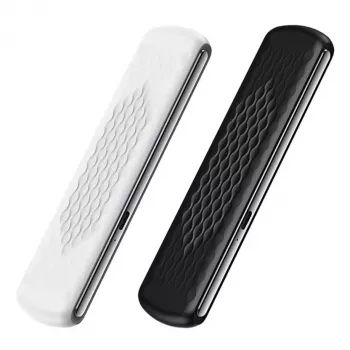
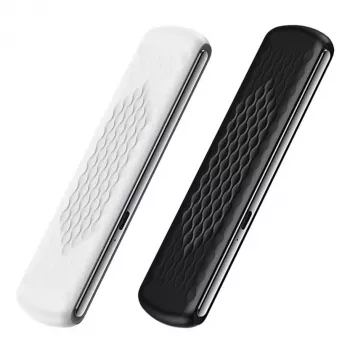
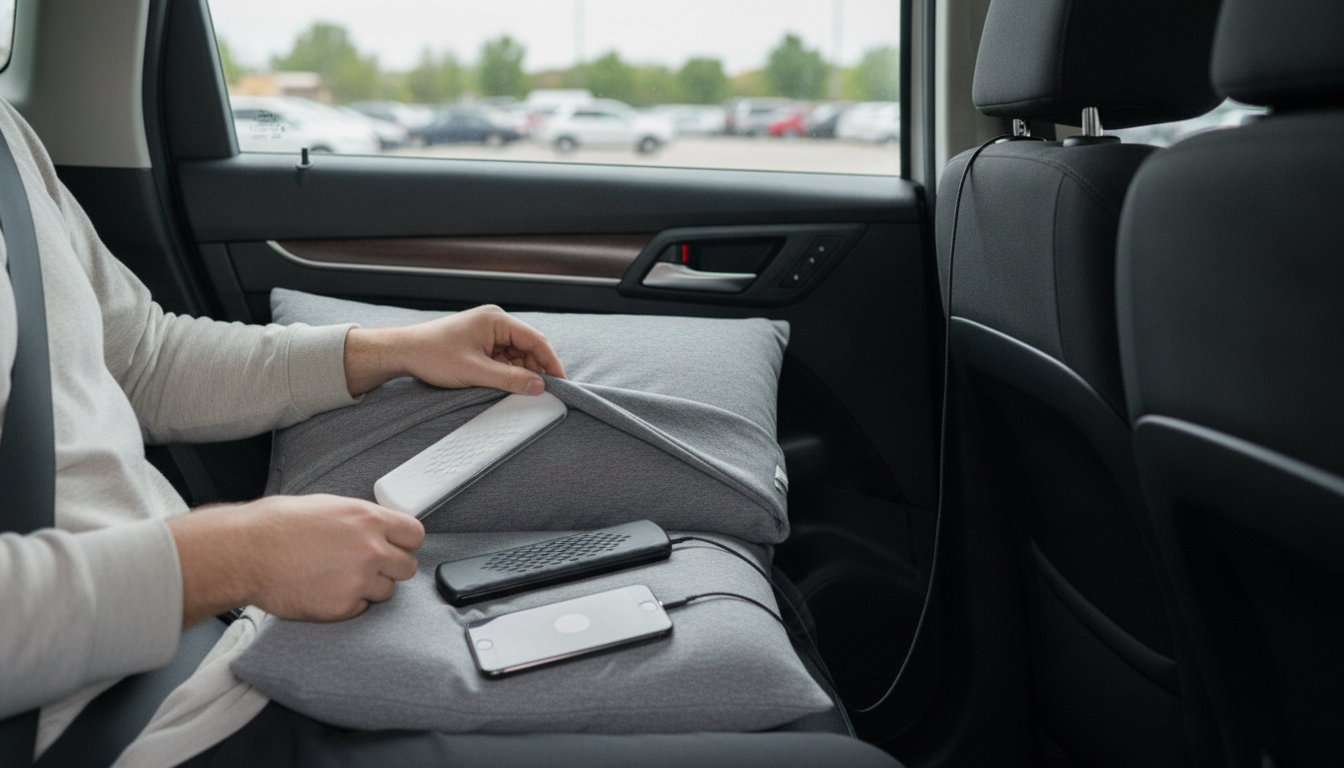
Yes—many speaker pillows can connect to Bluetooth, as long as the pillow includes a Bluetooth-capable speaker module (some models are wired-only). With a Bluetooth speaker pillow, you pair it to a phone, tablet, or laptop just like any other wireless speaker, then play music, podcasts, audiobooks, white noise, or sleep sounds without running a cable across the bed.
How Bluetooth pairing usually works
Most speaker pillows follow a similar setup process:
- Charge or power on the speaker module: Some models have built-in rechargeable batteries; others plug in via USB.
- Enable pairing mode: Typically this is done by holding the power button (or a dedicated Bluetooth button) until a light flashes or a tone plays.
- Pair from your device: Open Bluetooth settings on your phone/tablet, select the pillow speaker name, and confirm pairing if prompted.
- Start playback and adjust volume: Use your device volume first, then fine-tune on the speaker (if it has controls) to keep sound comfortable for sleep.
Things to check before buying or troubleshooting
Not all “speaker pillows” are Bluetooth-enabled, so it helps to confirm a few details:
- Bluetooth version and range: Newer Bluetooth versions tend to be more stable. If the connection drops, keep your phone closer to the bed.
- Auto-off and battery life: Sleep-focused models may have timers or low-power shutoff features that can interrupt playback if settings aren’t adjusted.
- Sound leakage: Under-pillow speakers are designed to keep audio more private, but volume, pillow thickness, and sleeping position all affect spillover.
- Comfort and placement: The speaker should sit flat and not create pressure points—positioning matters as much as the audio hardware.
For a closer look at how an under-pillow Bluetooth sleep speaker works (including comfort, sound spill, and practical setup tips), visit the full guide here: https://viralwonderscentre.com/guide-under-pillow-bluetooth-sleep-speaker-white-noise-low-spill/.
FAQ
Do speaker pillows work with iPhone and Android?
Most Bluetooth speaker pillows work with both iPhone and Android as long as the pillow uses standard Bluetooth audio. Pair it through your phone’s Bluetooth settings and select it as the audio output device.
Recommended for you



Leave a comment